
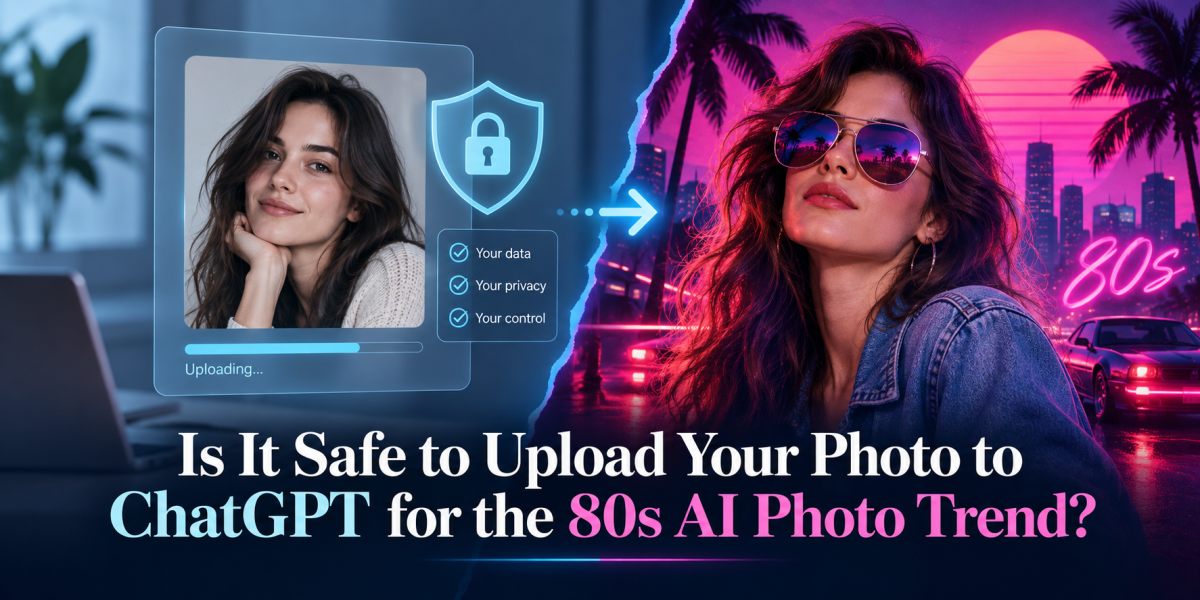
The 1980s AI photo trend has become one of the most popular creative trends online. People are uploading selfies and asking ChatGPT to turn them into retro studio portraits, vintage Bollywood-style photos, old film looks, or classic 80s family-album images.
The results can look fun, nostalgic, and highly shareable.
But one important question comes before the prompt:
Is it safe to upload your photo to ChatGPT for the 80s AI trend?
The simple answer is: it can be safe if you understand what you are uploading, where you are uploading it, and which privacy settings you are using. But like any online tool, you should not upload personal images casually without thinking about privacy, consent, and data control.
Why People Are Uploading Photos for the 80s AI Trend
The appeal is simple. AI can take a normal photo and turn it into something that looks cinematic, nostalgic, and visually different.
Users are asking for styles such as:
1980s Bollywood portraits
retro studio photography
old film camera looks
vintage college photos
classic family album images
black-and-white portraits
Polaroid-style edits
The trend works because it feels personal. Unlike a normal AI image, the output is based on your own face, expression, clothing, and personality. That is also why privacy matters.
A photo is not just an image. It can reveal your face, age range, location clues, background details, family members, school uniforms, workplace items, documents, or other personal information.
What Happens When You Upload a Photo to ChatGPT?
When you upload a photo to ChatGPT, the image becomes part of the conversation so the system can understand or edit it based on your request. OpenAI’s privacy materials state that users have data controls, including an option to turn off “Improve the model for everyone,” and that when this setting is off, new conversations remain in chat history but are not used to train ChatGPT.
OpenAI also says business offerings such as ChatGPT Business, ChatGPT Enterprise, and the API do not use customer content to improve models by default unless the customer opts in.
For regular consumer ChatGPT users, the key point is this: check your data controls before uploading personal photos.
Is Your Photo Used to Train AI Models?
This depends on your product type and settings.
OpenAI states that users can turn off model improvement through ChatGPT’s Data Controls. Once disabled, new conversations are not used to train ChatGPT models.
OpenAI’s consumer privacy page also highlights privacy controls, including data controls, and explains that when users connect third-party apps, ChatGPT helps explain what types of data may be collected by that third party.
So before joining the 80s AI trend, it is sensible to do three things:
Go to ChatGPT settings
Open Data Controls
Turn off model improvement if you do not want your chats used for training
This gives you more control over how your content is handled.
Is It Safe to Upload a Selfie?
For most casual users, uploading a simple selfie for an AI photo edit is usually a low-risk activity if you are using the official ChatGPT app or website, avoiding sensitive images, and managing your privacy settings.
But “safe” does not mean “risk-free.”
You should be careful if your photo includes:
children
other people who have not given permission
identity documents
office screens
school or company IDs
house numbers
car number plates
private backgrounds
medical or financial documents
religious, political, or sensitive personal context
The safest photo is a simple, clear portrait with a neutral background and no personal information visible.
What Are the Main Privacy Risks?
1. You May Upload More Than Just Your Face
Many people upload photos without checking the background. A mirror selfie, office photo, or family picture may reveal personal details without you realizing it.
Before uploading, crop the image tightly around your face or upper body.
2. You May Upload Someone Else’s Face Without Consent
If a photo includes friends, family, children, colleagues, or customers, get their permission first. This is especially important when the output may be posted publicly.
3. You May Use the Wrong Tool or Fake App
The 80s AI trend has created demand for prompt generators, editing apps, and unofficial AI tools. Some may collect images with unclear privacy practices.
Use official tools and read basic privacy information before uploading your face.
4. You May Post the Final Image Publicly
Even if uploading the image is controlled, posting the output publicly is a separate decision. Once you share the AI-edited photo on Instagram, LinkedIn, or other platforms, it may be saved, reshared, downloaded, or used out of context.
Safety Checklist Before Uploading Your Photo
Use this simple checklist before trying the 80s AI trend:
Use a clean portrait.
Choose a photo with a plain background.
Crop unnecessary details.
Remove documents, screens, house details, IDs, or other people.
Avoid children’s photos.
Be extra careful with minors and family images.
Check privacy settings.
Use ChatGPT Data Controls if you do not want new chats used for model improvement.
Use official apps only.
Avoid random websites asking for your photo.
Think before posting.
The final image may look fun, but public sharing is still public sharing.
Should Businesses Upload Employee Photos?
Businesses should be more careful than individual users.
If a brand wants to create 80s-style employee portraits, retro team images, or AI-generated profile photos, it should first take consent from the people involved.
A basic internal policy should clarify:
who can upload employee photos
which tools are approved
whether images can be used in marketing
where the final images will be posted
whether employees can opt out
how long source images are stored
For companies, the issue is not just creativity. It is employee privacy, consent, brand reputation, and responsible AI usage.
Is the 80s AI Trend Safe for Children’s Photos?
It is better to avoid uploading children’s photos unless there is a strong reason and a parent or guardian clearly understands the privacy implications.
Children’s images should be treated as sensitive. Avoid uploading school photos, uniforms, home backgrounds, location details, or group images involving other children.
For family-friendly results, you can use a non-identifiable prompt instead:
“Create a fictional 1980s-style family photo with no real person, no identifiable face, warm vintage film look.”
This gives the retro effect without using a real child’s image.
How to Write a Safer 80s AI Photo Prompt
A safer prompt should include privacy and face-consistency instructions.
Example:
“Turn this photo into a realistic 1980s-style studio portrait. Keep the person’s facial identity natural and unchanged. Use a clean neutral background, vintage film lighting, soft grain, and retro clothing. Do not add personal details, logos, ID cards, text, or location clues.”
This helps reduce unnecessary details in the output.
What If You Want the Trend Without Uploading Your Face?
You can still enjoy the 80s style without using your real photo.
Use a fictional prompt:
“Create a realistic 1980s-style studio portrait of a fictional person, with vintage film lighting, retro clothing, soft background, natural expression, and classic old-photo texture. Do not resemble any real person.”
This is the safest option because it does not require uploading personal images.
What Should You Avoid Uploading?
Avoid uploading:
passport or ID photos
images with documents visible
workplace screenshots
photos with customers or employees
children’s school photos
medical images
private family photos
photos with location clues
photos you would not want publicly associated with you
A useful rule is this:
Do not upload a photo to any AI tool if you would be uncomfortable with that photo being seen outside its original context.
Beyond Prompts Perspective
The 80s AI photo trend is fun, creative, and easy to try. But it also reminds us that AI creativity often begins with personal data.
A selfie may look harmless, but it still carries identity, context, and privacy value.
The smarter way to use AI is not to avoid it completely. It is to use it with awareness.
Before uploading your photo, ask:
What does this image reveal?
Do I have consent from everyone in it?
Am I using the official platform?
Have I checked my privacy settings?
Would I be comfortable if this image became public?
AI trends will keep changing. Privacy habits should not.
FAQs
Is it safe to upload my photo to ChatGPT?
It can be safe if you use the official ChatGPT app or website, avoid sensitive images, and review your data controls. OpenAI provides settings that let users turn off model improvement for new conversations.
Will ChatGPT use my photo for training?
For consumer ChatGPT, OpenAI provides a setting called “Improve the model for everyone.” If you turn it off, OpenAI says new conversations are not used to train ChatGPT. Business products and API content are not used for training by default unless opted in.
Can I upload someone else’s photo?
You should only upload someone else’s photo if you have their permission, especially if you plan to post the result publicly.
Is it safe to upload children’s photos?
It is better to avoid uploading children’s photos for viral trends. Use fictional prompts instead.
What is the safest way to try the 80s AI trend?
Use a cropped portrait with a plain background, remove personal details, check ChatGPT data controls, and avoid posting anything you would not want widely shared.